A UX audit of your live iOS app, in one week
We use your app the way a first-time user meets it, on real devices, and hand you a written report with every finding ranked by effort against expected impact. The report is yours, whether or not you hire us to implement it.
- Timeline
- 1 week
- Delivered as
- A written, ranked report
Who this is for
- 01
Apps with installs but weak activation
People download the app and stop opening it. The friction is usually between install and first value, and it can be named screen by screen.
- 02
Subscription apps with a leaky paywall
Paywall timing, trial framing, and subscription and restore flows. We run subscription apps ourselves, so these are the screens we look at hardest.
- 03
Teams too close to their own product
A team that uses the app every day stops noticing where new users stall. We come in cold, on the one platform we know deeply.
What you get, and how it runs
Typical timeline: 1 week.
- 01A written audit report with annotated screens from your app
- 02Heuristic evaluation against usability best practice
- 03User flow analysis and friction points
- 04Accessibility review against WCAG
- 05A prioritised improvement roadmap
- 06Competitive benchmarking
- 01
Analysis
We use your app as a new user would, on real devices, and record every point of friction.
- 02
Evaluation
Findings tested against usability heuristics, Apple’s guidelines and accessibility standards.
- 03
Documentation
A written report with annotated screens and competitive benchmarking.
- 04
Roadmap
A prioritised plan you can carry out with any team, including your own.
Where we look
Most iOS apps do not lose people to missing features. They lose them in a few predictable places.
The first sixty seconds
Onboarding step by step, permission prompts, empty states and the time it takes to reach first value.
The paywall
When it appears, what it promises, how the trial is framed, and whether restore and cancel work as people expect.
Accessibility
Dynamic Type, VoiceOver labels, contrast and tap targets, checked against WCAG.
The store listing
Title, subtitle and screenshots, because installs lost before the download never reach the app at all.
The same team runs five apps of its own
Designed, built and operated in-house, in Swift and SwiftUI. What we learn running them goes into the apps we build for you.
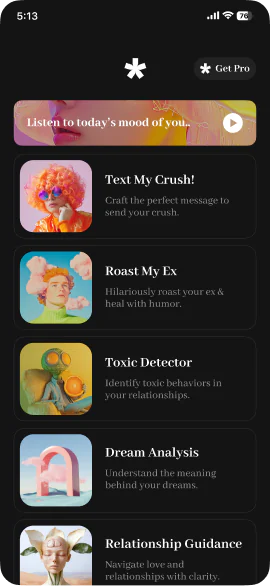
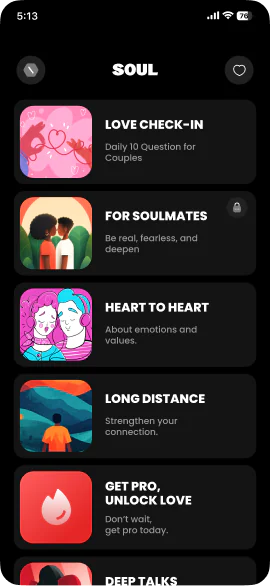
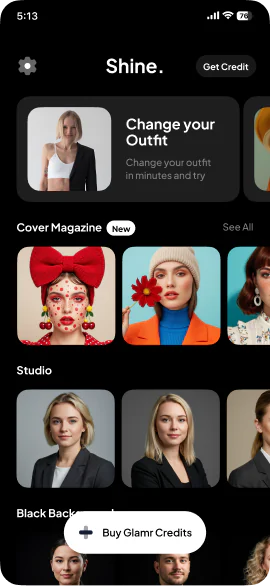
Because your designer cannot un-see your product. A team that uses the app daily stops noticing the step where new users stall. We come in cold, and we leave.
Have an iOS app to build?
Tell us what you are making. If we are not the right team for it, we will say so.
hello@pull.house