Subscription app development for iPhone, built on StoreKit 2
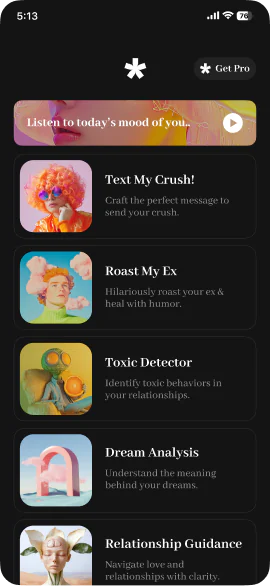
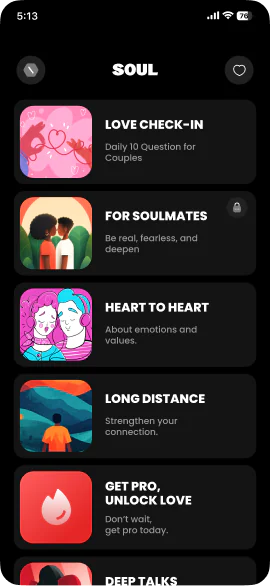
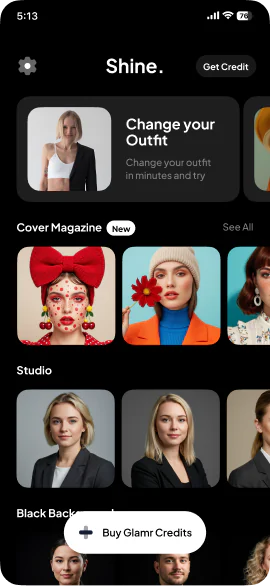
We build iPhone apps that earn through subscriptions and in-app purchases, in Swift and SwiftUI on StoreKit 2. Our own apps sell both, a Pro subscription and credits, so the purchase flow is something we have built and run ourselves.
- Timeline
- 8–16 weeks
- Built on
- StoreKit 2
Who this is for
- 01
Founders planning a paid app
Subscription, credits or a one-time unlock: the model shapes the product, so we choose it with you in discovery, before the screens.
- 02
Apps moving to subscriptions
From paid or free to recurring revenue, without taking away what existing users already paid for, as Apple’s guidelines require.
- 03
Apps on the old purchase API
The original StoreKit API is deprecated as of iOS 18, and Apple’s new subscription features in iOS 27 are built on StoreKit 2.
What you get, and how it runs
Typical timeline: 8–16 weeks.
- 01Subscriptions and in-app purchases on StoreKit 2
- 02A paywall with everything App Review requires
- 03Introductory offers, offer codes and win-back offers
- 04Entitlements that stay right across devices and refunds
- 05Restore, Family Sharing and subscription management
- 06StoreKit testing in Xcode, the sandbox and TestFlight
- 01
Discovery
The business model, the products, prices per territory and the offers. You leave with a written scope and a fixed quote.
- 02
Architecture
Subscription groups and levels, entitlement rules and where the truth about access lives.
- 03
Development
StoreKit 2 and the paywall in two-week sprints, with a TestFlight build every week.
- 04
Launch
Purchases submitted with the version, review support, release, then 30 days of support.
What makes subscription apps hard
The purchase button is the easy part. These are the parts that decide whether the app earns and whether it passes review.
The paywall rules
Name, duration, a clearly shown renewal price as the most prominent price, restore and links to your terms. Apple requires all of it on the sign-up screen.
Entitlements
Renewals, refunds, grace periods, Family Sharing and purchases on other devices, handled from launch with transaction updates and current entitlements.
Groups and levels
One subscription group for most apps, ranked by level, so upgrades apply at once and downgrades at the next renewal.
Proceeds
You receive 70% of a subscription in a subscriber’s first year and 85% after it, or 85% from the start in the Small Business Program.
The same team runs five apps of its own
Designed, built and operated in-house, in Swift and SwiftUI. What we learn running them goes into the apps we build for you.
Yes. Either a custom design or Apple’s SubscriptionStoreView, always with everything App Review requires on the sign-up screen. Our paywall guide lists the rules.
Have an iOS app to build?
Tell us what you are making. If we are not the right team for it, we will say so.
hello@pull.house